How I Keep Project Context in Markdown So AI Stops Guessing
When people hear that I use AI to build apps, they often picture one magical prompt followed by a suspicious amount of confidence.
That would be nice.
What I actually learned is much less dramatic and much more useful: AI gets a lot better when the project already knows how to explain itself.
That became very obvious while building FI Beacon. Once the project started spreading across API, app, worker service, integrations, and product rules, I noticed the same pattern again and again. If I gave AI only the code and a task, it would often fill the gaps with imagination. Sometimes that imagination was helpful. Sometimes it was creative in the same way a toddler with a marker is creative.
I wrote earlier about how I used AI to research and brainstorm the FI Beacon app idea , but once the project got real, documentation started mattering a lot more than clever prompts.
In other words, AI was not always failing because it was weak.
Very often, it was guessing because I had left too much unsaid.
A quick note before we continue: this post was created with the help of AI.
I use AI as a thinking partner to help me structure messy thoughts, explore ideas faster, improve flow, and sometimes save me from staring at a blank page like it personally offended me.That said, the opinions, experiences, and final judgment are still mine. AI helps me write clearer and faster, but it does not get to sneak in and become the author of my personality.
So yes, AI helped shape this post — but the relaxed coder behind it is still very much human.
The real problem was not missing prompts
At first, I thought the solution was to write better prompts. And yes, better prompts help. But after a while I realized the bigger issue was that I kept asking AI to operate inside a project that had too much unwritten context.
The project had rules. The project had structure. The project had existing assumptions about where things belong, how integrations work, what the product is trying to do, and what not to break.
The AI could not reliably infer all of that from scattered code and my latest message.
So I stopped treating each chat like a fresh audition and started giving the project its own written memory.
That changed a lot.
What I started documenting
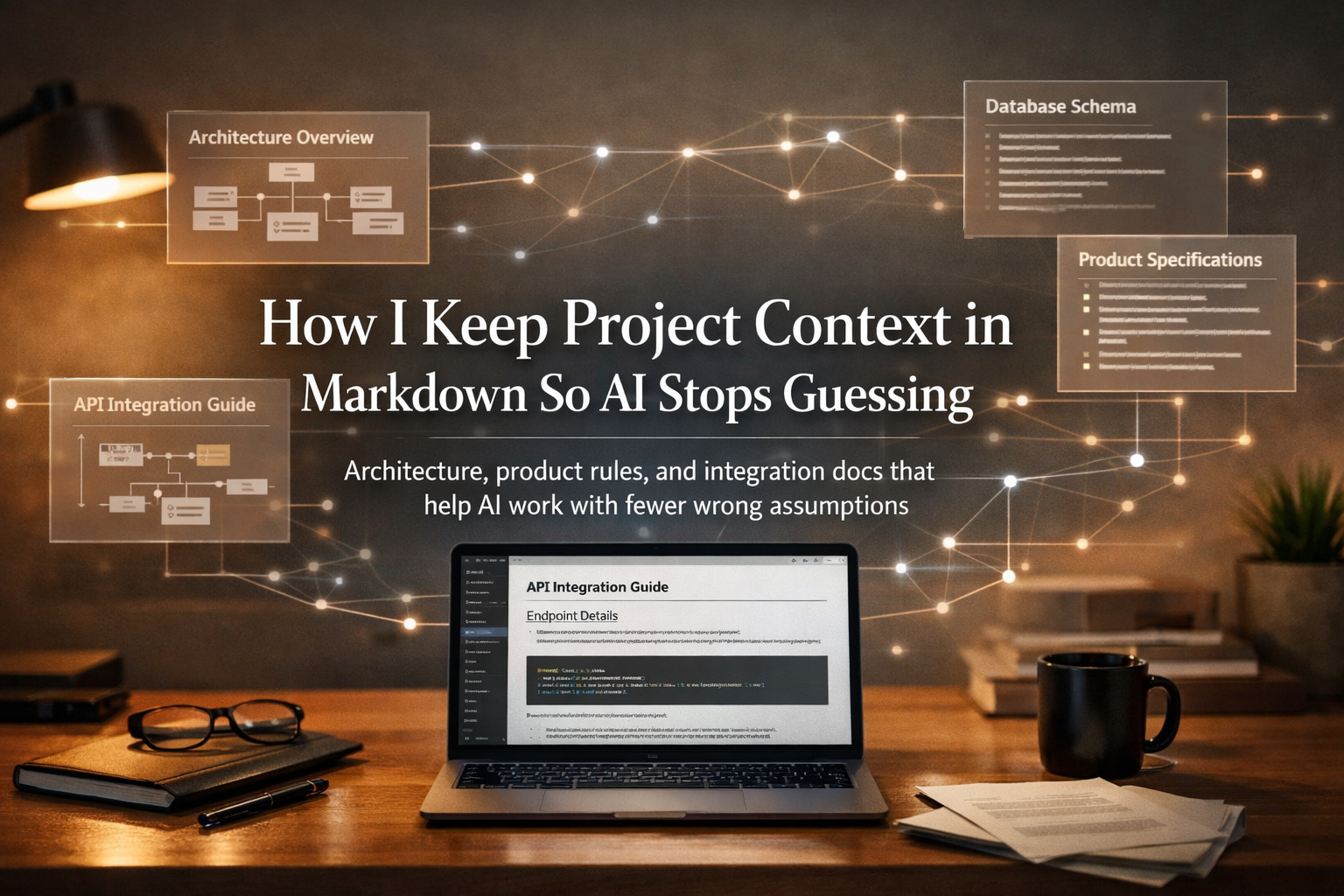
I did not create some giant documentation empire with seventeen layers of ceremony and a committee that meets every Thursday to discuss headings. I kept it practical. I wrote .md files that explained the parts of the project AI was most likely to misunderstand.
For FI Beacon, that usually meant four kinds of context.
Architecture and boundaries
This was the first big one. I wanted AI to understand how each project is shaped before touching anything.
For the API project, that meant documenting things like layers, conventions, responsibility boundaries, and where logic should live. For the frontend, it meant route structure, feature screens, service boundaries, important flows, and which responsibilities belong to the backend instead of the UI. For the worker service, it meant background responsibilities, scheduling, sync behavior, and integration ownership.
This was more important than I expected. A model that knows the project is layered behaves very differently from a model that is just trying to be “helpful” inside a folder full of files.
Product rules and app behavior
The code tells you what exists.
It does not always tell you what the product is supposed to mean.
That part mattered a lot. I wanted AI to know what FI Beacon was trying to be, how the monthly snapshots are meant to work, what the user sees, what counts as part of the first version, and where I was intentionally keeping things simple.
Without that kind of context, AI tends to drift toward generic “better” solutions. More features. More abstraction. More complexity. More things that sound clever in a vacuum and are annoying in a real app.
Writing the product rules down in plain language made it easier to keep the implementation grounded.
API and external integration details
This was one of the easiest wins.
If an app talks to internal APIs, identity flows, payments, comments, or external services, those integration rules should not live only in my memory and in the fragile optimism of the next prompt.
So I kept integration guides in Markdown too. Not just endpoint names, but payload shapes, expectations, error behavior, auth assumptions, and little implementation caveats that tend to create chaos when ignored.
That saved a lot of guessing.
Instead of asking AI to “figure out how this probably works,” I could point it at a file that said, “No need to improvise. The answer is here.”
Project-specific notes
This last category is less glamorous and extremely useful.
Sometimes a project has details that are too small for a full architecture file but too important to leave undocumented. Maybe a certain feature must stay server-driven. Maybe a specific external service is only an upstream data source. Maybe a part of the app is intentionally temporary. Maybe a worker owns the sync process and the UI should never call the external service directly.
Those details are exactly the kind of thing AI likes to get wrong when they are not written down.
So I started writing them down.
Why Markdown worked better than I expected
I could have kept a lot of this in random notes, old chats, or some separate documentation tool. But Markdown turned out to be the simplest and most useful option for me.
First, it is easy to read. That sounds obvious, but it matters. I do not want documentation that feels like I need a helmet before opening it.
Second, it is easy to update. When something changes, I can edit the file quickly and keep moving.
Third, it lives close to the code. That is a big one. The context is right there inside the project, not floating somewhere else where it slowly becomes folklore.
And fourth, AI handles it well. A clean .md file is a very good format for giving an AI agent durable context. It is plain, structured, searchable, diffable, and pleasantly boring in the best possible way.
Boring is underrated here.
When the goal is “help the AI understand the project,” boring is often excellent.
How AI actually uses these files
This is where things got more interesting.
The value was not just that I had docs. The value was that those docs changed the quality of planning and implementation.
Instead of starting from scratch, AI could read the project context first and then reason inside the correct boundaries. It knew what the project was, how it was structured, where certain logic belonged, and how integrations were expected to behave.
That led to better behavior in a few very practical ways.
It reduced invented assumptions. The model no longer had to guess what an endpoint probably returns or which project should own a piece of logic.
It improved consistency. The API plan, the frontend changes, and the worker behavior were more likely to align because they were anchored to the same written context.
It made new chats much easier. I did not have to re-explain the same architecture every time like I was onboarding a new contractor with short-term memory loss.
And it improved planning. That part became especially important later, because once the project context was written down, stronger models could design much better implementation plans for full features instead of just reacting to isolated tasks.
That was a good sign.
What I usually put in these files
I do not think there is one perfect template, but this is the shape that worked well for me.
One architecture file per project
Each project should explain its own structure, responsibilities, and conventions. The goal is not to be poetic. The goal is to make the project legible.
A strong architecture file helps AI answer questions like:
- what kind of project is this
- what are the main layers or feature areas
- where does a change belong
- what patterns are already being used
- what should not be mixed together
That is enough to prevent a surprising amount of nonsense.
One or more integration guides where guessing would hurt
If a project talks to internal or external services, I like documenting the parts that are easy to get subtly wrong.
Not because AI cannot read code.
Because code usually does not explain intent, edge cases, default assumptions, or the exact contract another system expects.
That is where a concise guide becomes useful. You might say: that sounds like a lot of documentation writing, don’t worry, AI helped me in writing all that documentation.
Product rules in plain language
This is the part people skip because it feels less technical.
It is also the part that prevents a lot of bad implementation.
If the app is meant to stay simple, say that. If a feature is intentionally out of scope, say that. If a certain workflow is monthly, manual, privacy-friendly, or limited in the first phase, say that too.
AI is very good at expanding an idea.
That is not always what you want.
Notes about important decisions
I also like documenting decisions that explain why something is shaped the way it is.
Not a giant diary. Just enough to answer: why was this done like this, and what should stay true if the feature evolves?
That kind of note saves time later for both humans and models.
A simple structure you can copy
If you want a practical starting point, this is the structure I would recommend.
ARCHITECTURE.md
Use this for project shape, boundaries, conventions, and flow. Think of it as the “how this project is built” file.
PRODUCT_CONTEXT.md or feature-specific notes
Use this for business meaning, workflow rules, intended scope, and product decisions. Think of it as the “what this project is trying to do” file.
*_INTEGRATION_GUIDE.md
Use this for internal and external contracts, endpoint behavior, auth, payloads, and caveats. Think of it as the “please do not guess this part” file.
Small supporting docs where needed
Use these for specific features, external providers, or unusual behavior that deserves its own context instead of being buried in a massive document.
That is enough for most projects.
You do not need a wiki cathedral.
You need enough written context to stop the guessing.
Mistakes that made AI worse, not better
This approach helped, but a few mistakes made it less useful when I was sloppy.
Letting the docs go stale
Outdated context is worse than missing context in some cases, because it looks trustworthy while quietly lying to everyone involved.
If a document stops matching reality, AI will confidently plan around the wrong version of the system. That is not a fun surprise later.
So the rule became simple: if a file is worth having, it is worth updating.
Writing only technical structure and skipping product meaning
A project is not just folders and endpoints. If the docs explain architecture but not product intent, AI still has room to “improve” the app in ways that do not fit the product.
That is why I started caring more about documenting the business side too, not just the technical one.
Over-documenting things that do not matter
Not every line of code needs a philosophical companion file.
The goal is not maximum documentation. The goal is maximum clarity per unit of effort.
So I focused on the places where misunderstanding would actually hurt: architecture, rules, integrations, responsibilities, and tricky assumptions.
Final thoughts
The biggest shift for me was realizing that AI does not only need prompts.
It needs context that survives the prompt.
That is what these Markdown files became. A memory layer for the project. A way to keep architecture, product rules, and integration details close to the code and easy to reuse. A way to make AI less dependent on my latest explanation and more grounded in the actual shape of the app.
AI still needs judgment. That part does not go away.
But once the project can explain itself clearly, the conversations get better, the plans get sharper, and the implementation gets a lot less guessy.
And that, to be honest, is much more useful than pretending the magic was in the prompt.

No comments yet.